

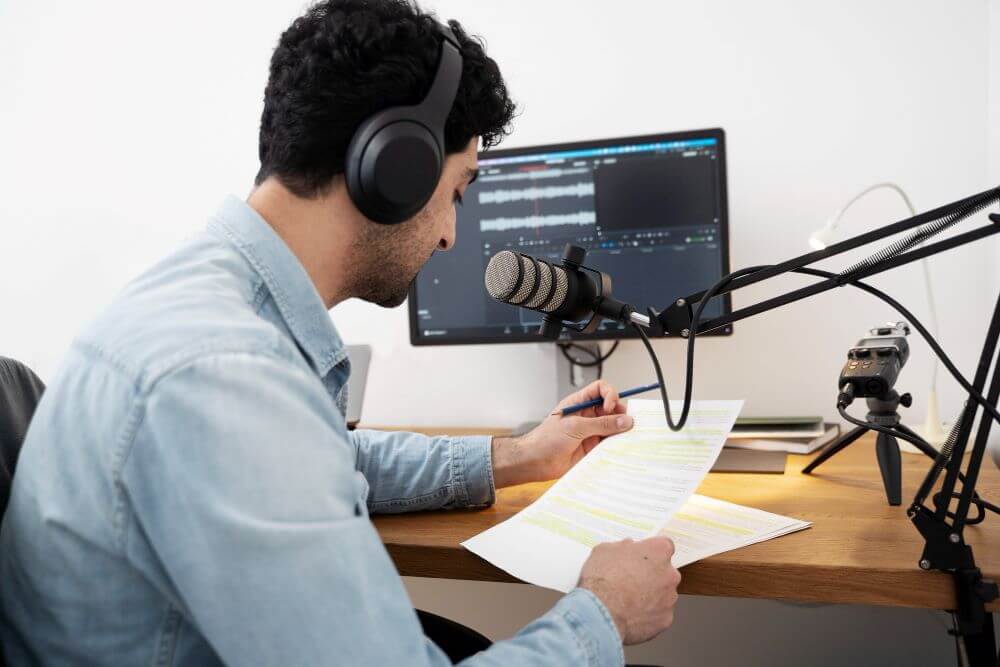
Creating high-quality voiceovers used to require a studio setup, professional microphones, and hours of editing. Today, that process has been completely transformed. With tools like Adobe Express, anyone can turn a simple script into a polished audio track in minutes. Thanks to advances in text to speech technology, content creators can now produce clear, engaging voice-overs without recording a single word.
Whether you are building social media videos, explainer content, or marketing campaigns, Adobe Express offers a fast and intuitive way to bring your scripts to life.
Why Voiceovers Matter in Modern Content
Voiceovers play a critical role in how audiences consume content. Research shows that videos with clear narration can increase viewer retention by up to 60 percent compared to silent videos. Audio helps guide the viewer, reinforces your message, and creates a more immersive experience.
Here is why voiceovers are essential:
- They make content more accessible
- They improve storytelling and clarity
- They keep viewers engaged for longer
With the growing demand for video content across platforms like YouTube, TikTok, and Instagram, having a reliable way to create voiceovers is more important than ever.
What Makes Adobe Express a Powerful Tool
Adobe Express simplifies the entire voiceover creation process. You do not need technical expertise or expensive software. Everything is designed to be user-friendly and efficient.
Easy Script Input
You can simply paste your script into the editor. The platform supports quick edits, making it easy to refine your message before generating audio.
Natural-Sounding Voices
Adobe Express offers a range of AI-generated voices that sound surprisingly human. You can choose different tones, accents, and styles to match your brand or audience.
Quick Turnaround Time
What used to take hours can now be done in minutes. This speed allows creators to produce more content consistently.
Built-In Integration
You can easily combine your voiceover with video, images, and animations within the same platform, saving time and effort.
Step-by-Step Guide to Creating Voiceovers
Getting started with Adobe Express is straightforward. Here is how you can create a professional voiceover in just a few steps.
Step 1: Write a Clear Script
Focus on clarity and simplicity. Use short sentences and conversational language. Read your script out loud to ensure it flows naturally.
Step 2: Upload or Paste Your Script
Open Adobe Express and paste your text into the voice generator tool. Make any necessary edits before proceeding.
Step 3: Choose the Right Voice
Select a voice that fits your content. For example, a friendly tone works well for social media, while a more formal voice suits educational content.
Step 4: Adjust Timing and Pace
Break your script into sections if needed. This helps control pacing and makes the final audio easier to follow.
Step 5: Generate and Export
Click generate, review the audio, and export your file. You can then use it in videos, presentations, or podcasts.
Tips for Better Voiceovers
Creating a voiceover is easy, but making it effective takes a bit of strategy.
Keep It Conversational
Write as you speak. Avoid overly complex words or long sentences.
Add Pauses Naturally
Spacing between sentences improves clarity and gives listeners time to absorb information.
Match Tone to Purpose
Make sure the voice matches the message. A mismatch can reduce engagement.
Test Different Versions
Try multiple voice styles and compare results. Small changes can make a big difference in how your content is received.
Common Mistakes to Avoid
Even with great tools, there are a few pitfalls to watch out for:
- Overloading your script with too much information
- Using a voice that does not match your audience
- Ignoring pacing and rhythm
- Skipping the review process before publishing
Avoiding these mistakes will help your content sound more polished and professional.
Final Thoughts
From script to speech, Adobe Express makes voiceover creation faster and more accessible than ever. By combining ease of use with powerful AI features, it allows creators of all levels to produce high-quality audio content in minutes.
As video continues to dominate digital platforms, mastering voiceover creation can give you a strong competitive edge. Start experimenting with Adobe Express today and turn your ideas into engaging audio experiences.